Passwords
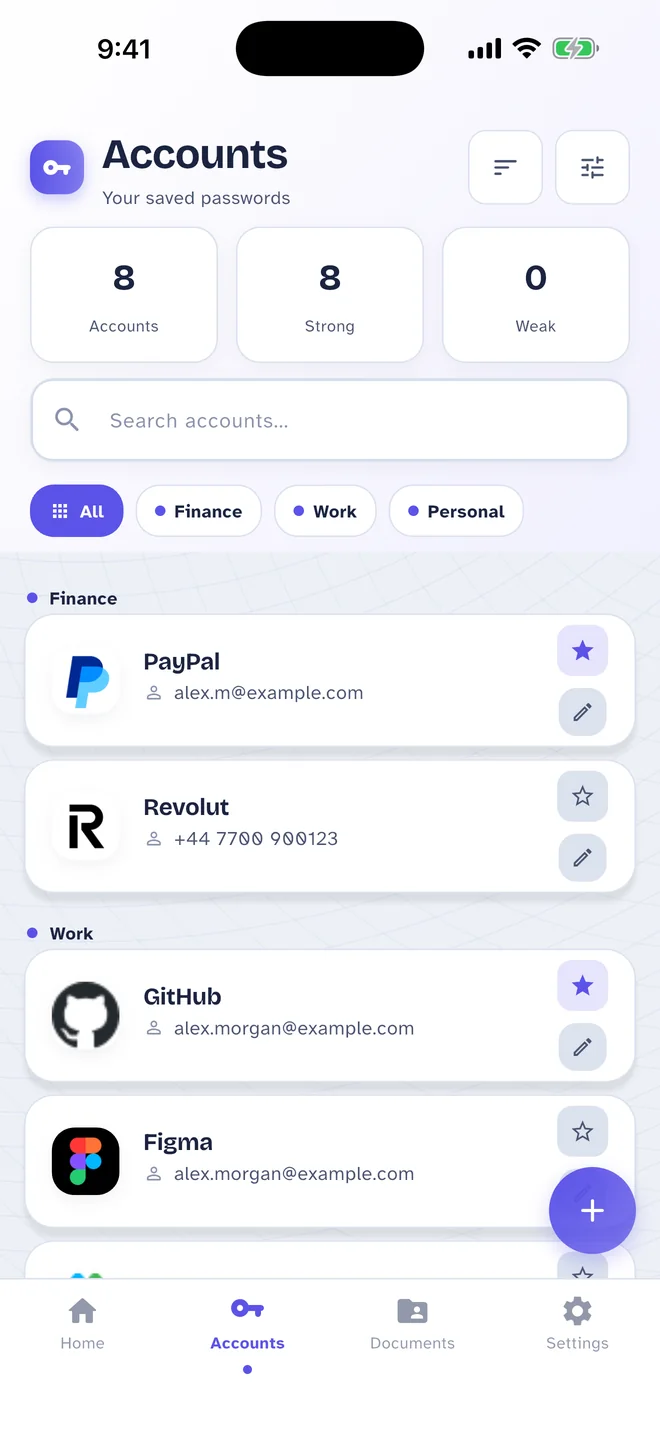
Save every login with its username, website and notes, sort them into categories and copy what you need in a tap. Pass Card remembers each password's history and makes strong new ones for you.
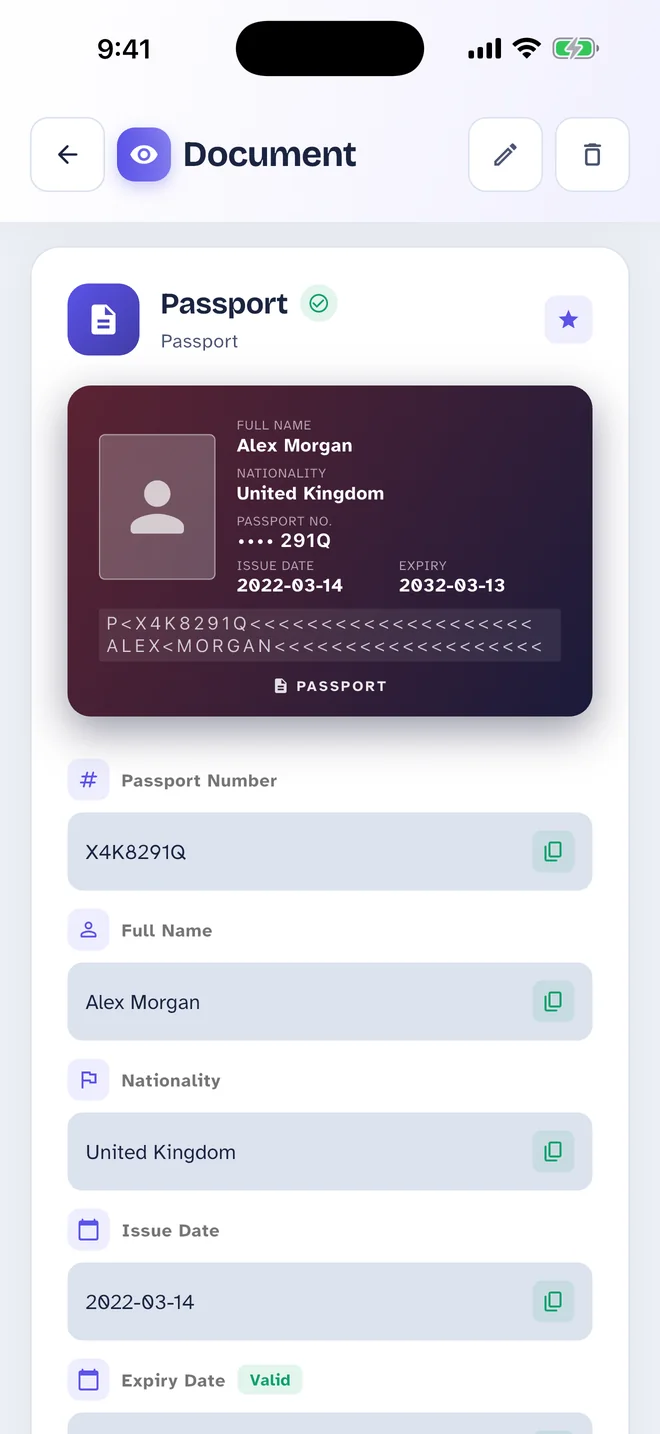
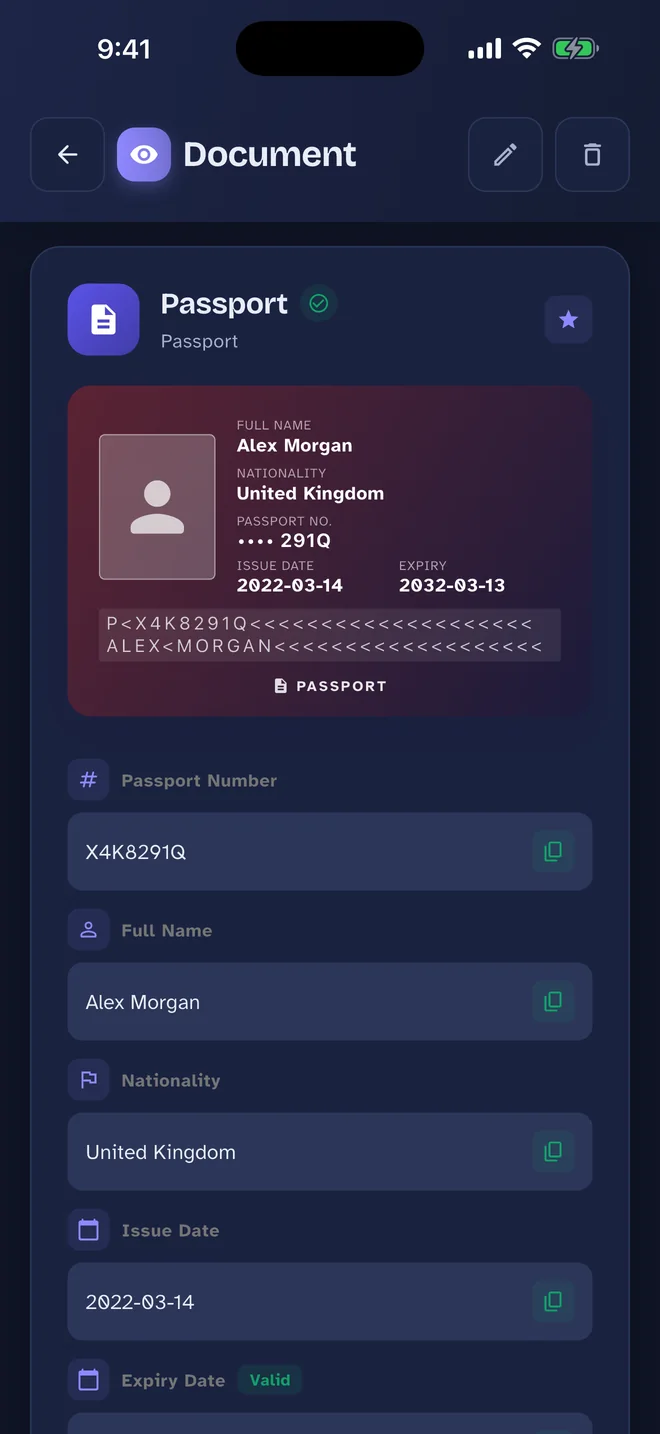
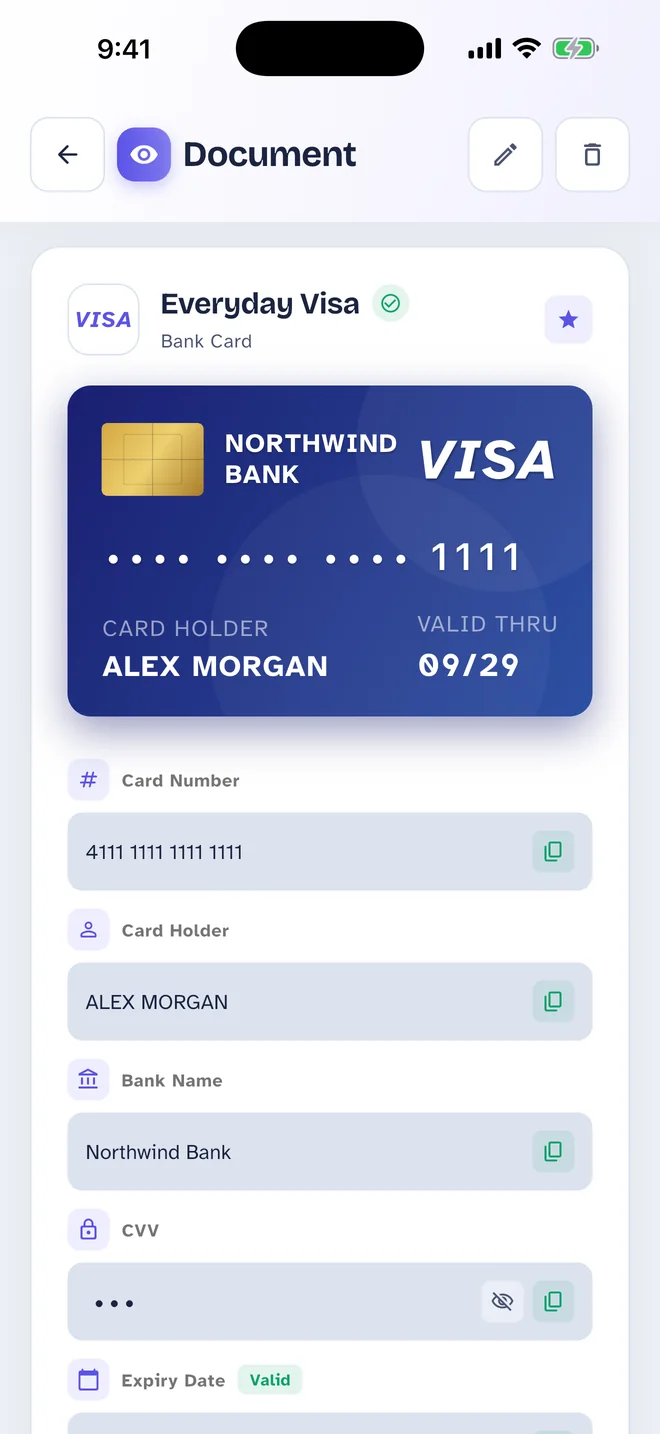
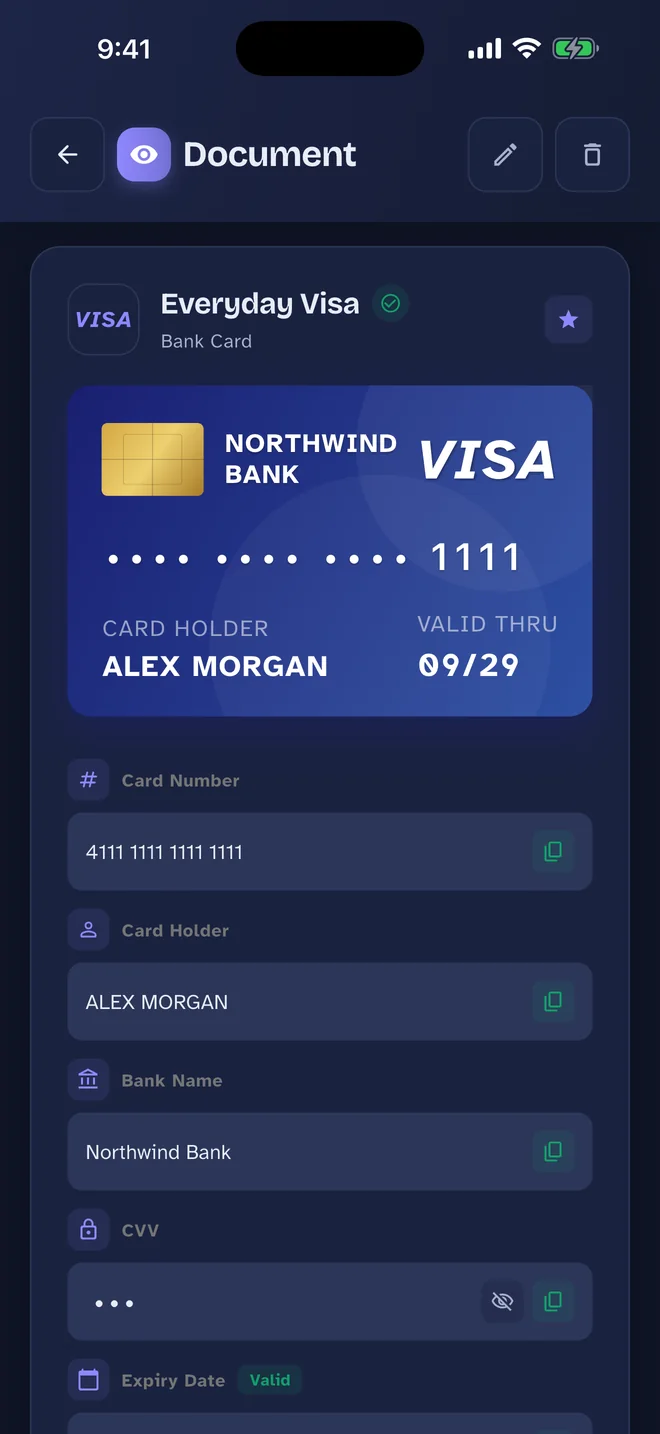
Pass Card keeps your passwords and your personal documents — passport, national ID, driving licence, bank cards — in one encrypted vault on your phone, drawn as the cards you actually carry.
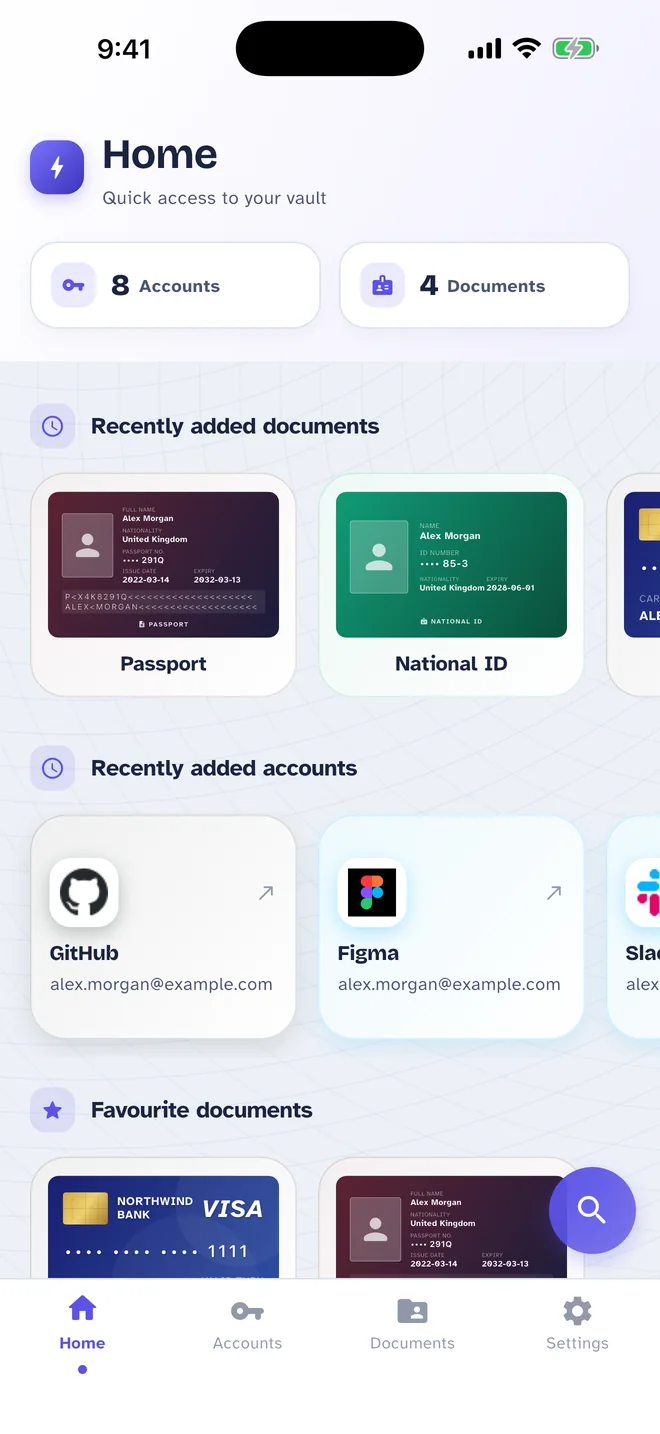
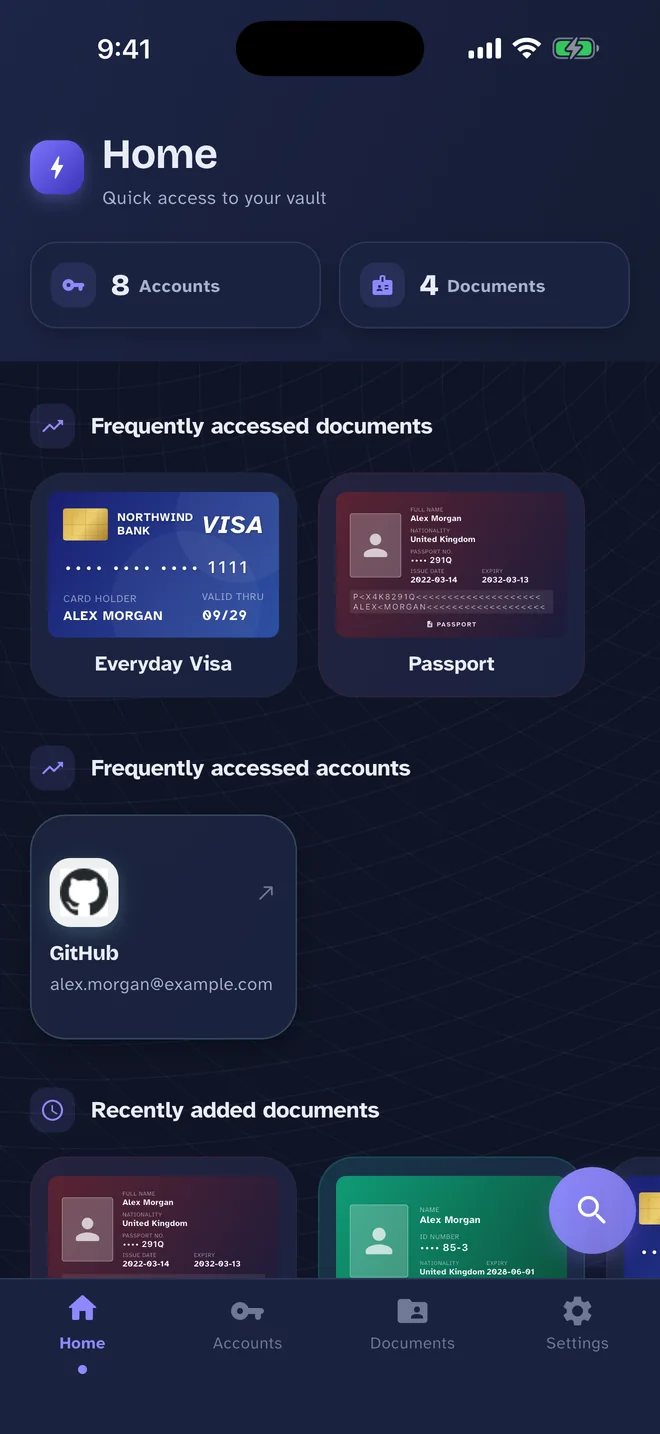
Most password managers stop at logins. Pass Card also keeps the documents in your wallet — each one drawn as the card it is, so you find it at a glance.
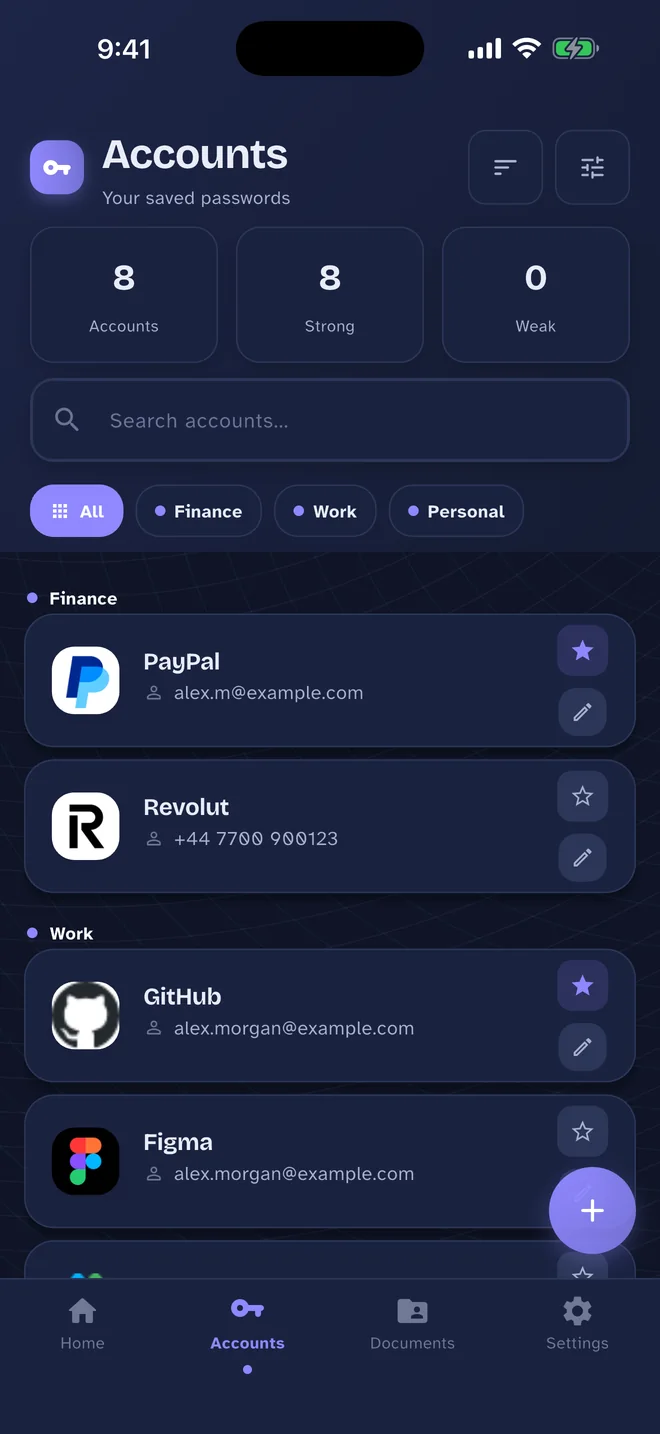
Save every login with its username, website and notes, sort them into categories and copy what you need in a tap. Pass Card remembers each password's history and makes strong new ones for you.
Keep the details and photos of your passport, national ID, driving licence, bank cards, insurance and vehicle documents. They are encrypted under their own key, separate from your passwords.
No sign-in, no tracking, no servers of ours. Your data is encrypted on your phone and leaves it only when you choose to — by exporting a backup, sharing an item or turning on iCloud sync.
Passwords, notes and history are encrypted with AES-256-GCM. Documents and their photos use a separate key.
Keys live in the iOS Keychain or Android Keystore
There is nothing to sign up for. We run no servers or databases, so we never receive what you store.
Your vault works without an internet connection — on a plane, abroad, or with mobile data off.
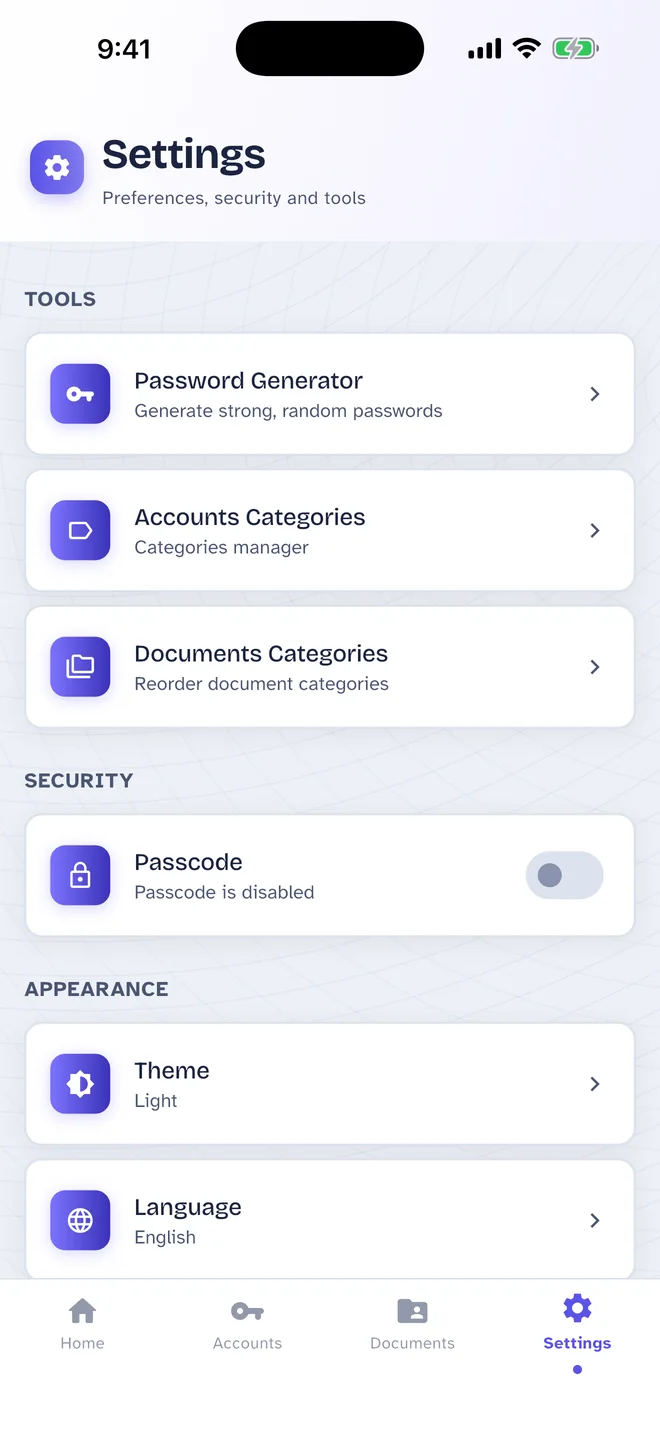
Lock the app with an optional 4-digit passcode and Face ID, Touch ID or your fingerprint.
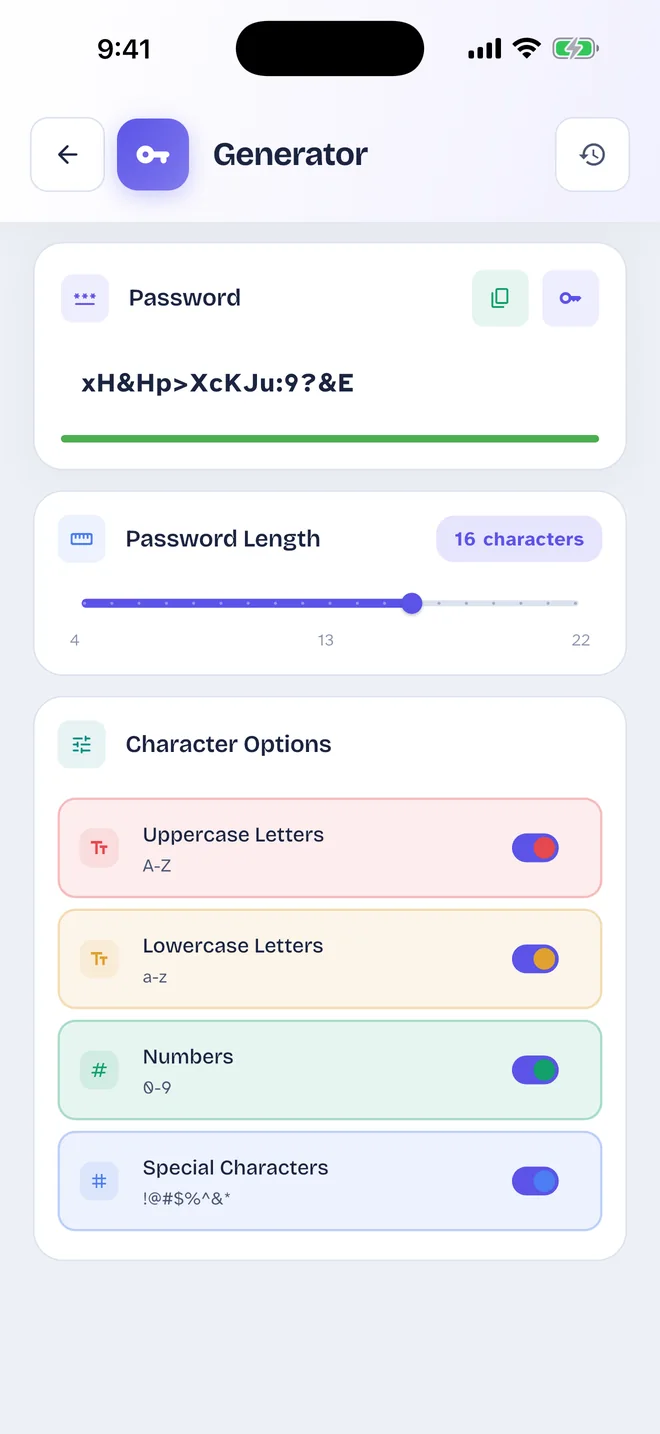
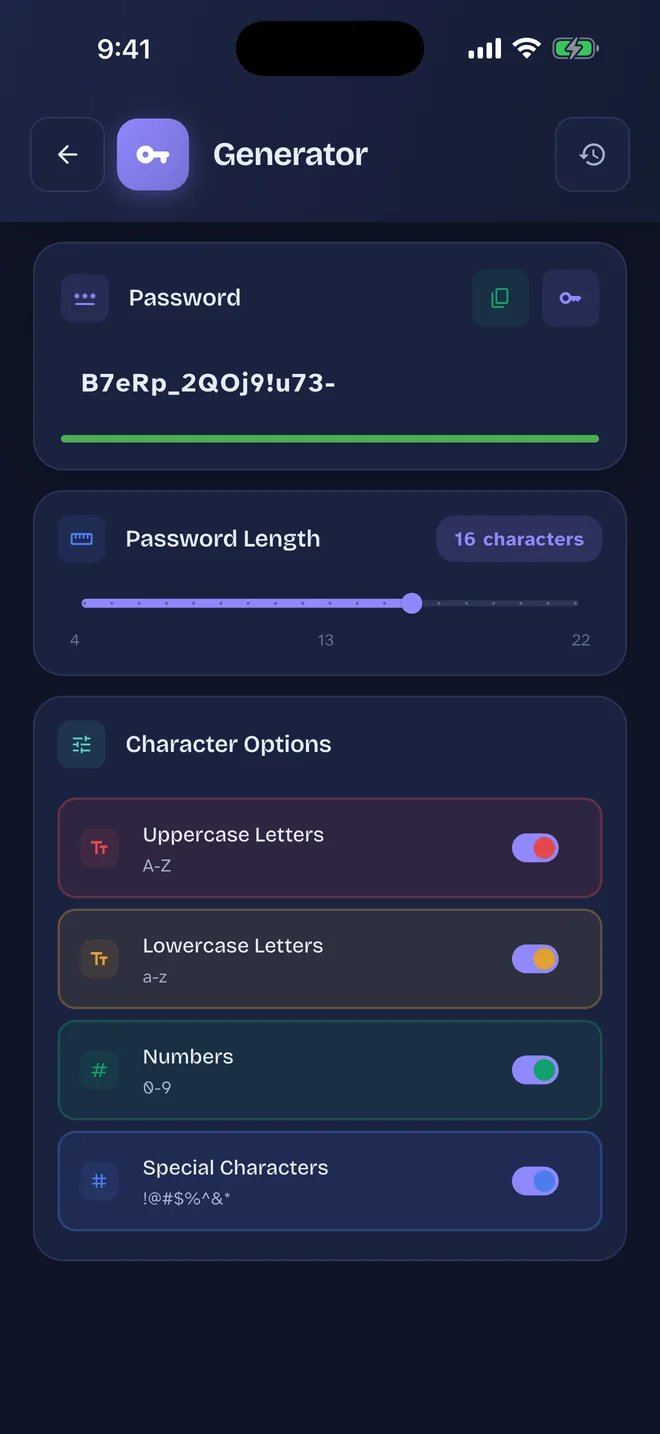
Make strong passwords from 4 to 22 characters, choosing letters, numbers and symbols — with a history of what you generated.
Exported backups are encrypted with AES-256-GCM using a password you choose (PBKDF2). Save them wherever you like.
On iPhone, keep an encrypted copy in your own iCloud Drive, locked with a key in your iCloud Keychain.
iOS only — turn it off at any time
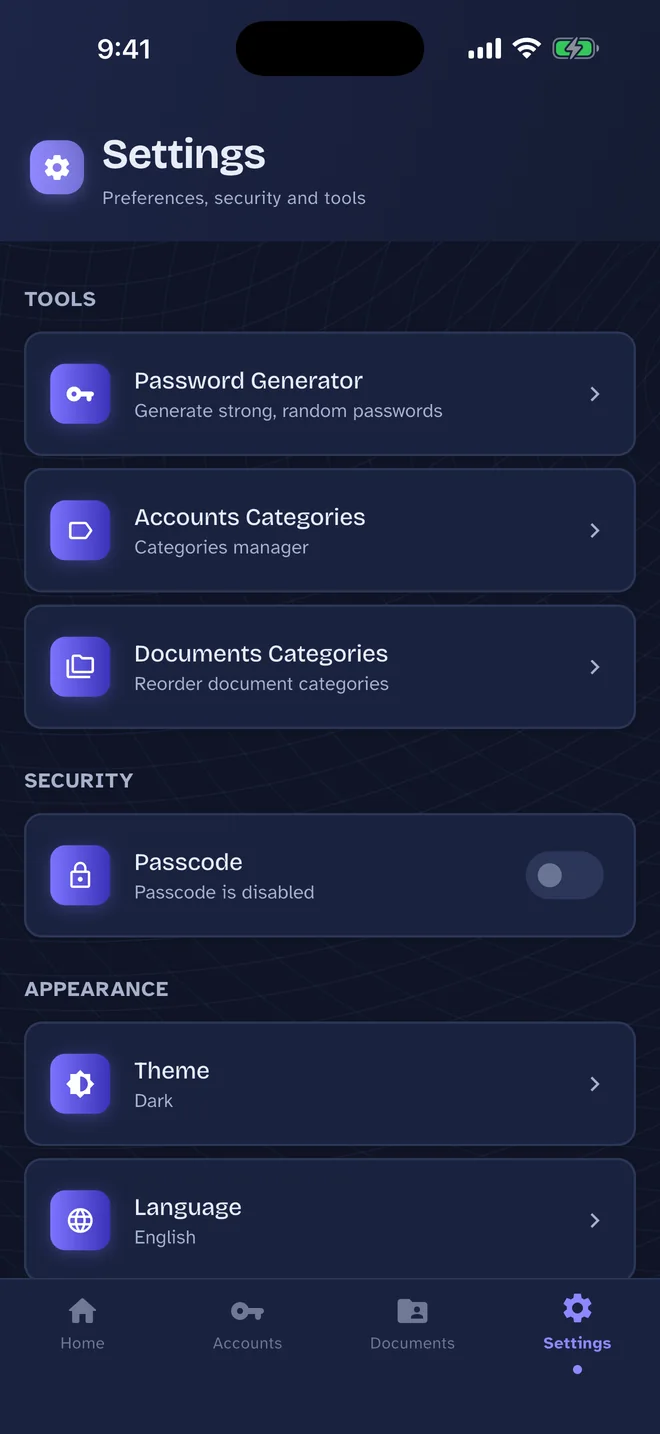
Fully translated into Arabic with a true right-to-left layout, plus light and dark themes.
These screens follow the site's theme — switch between light and dark at the top of the page to see both. All data shown is made up.
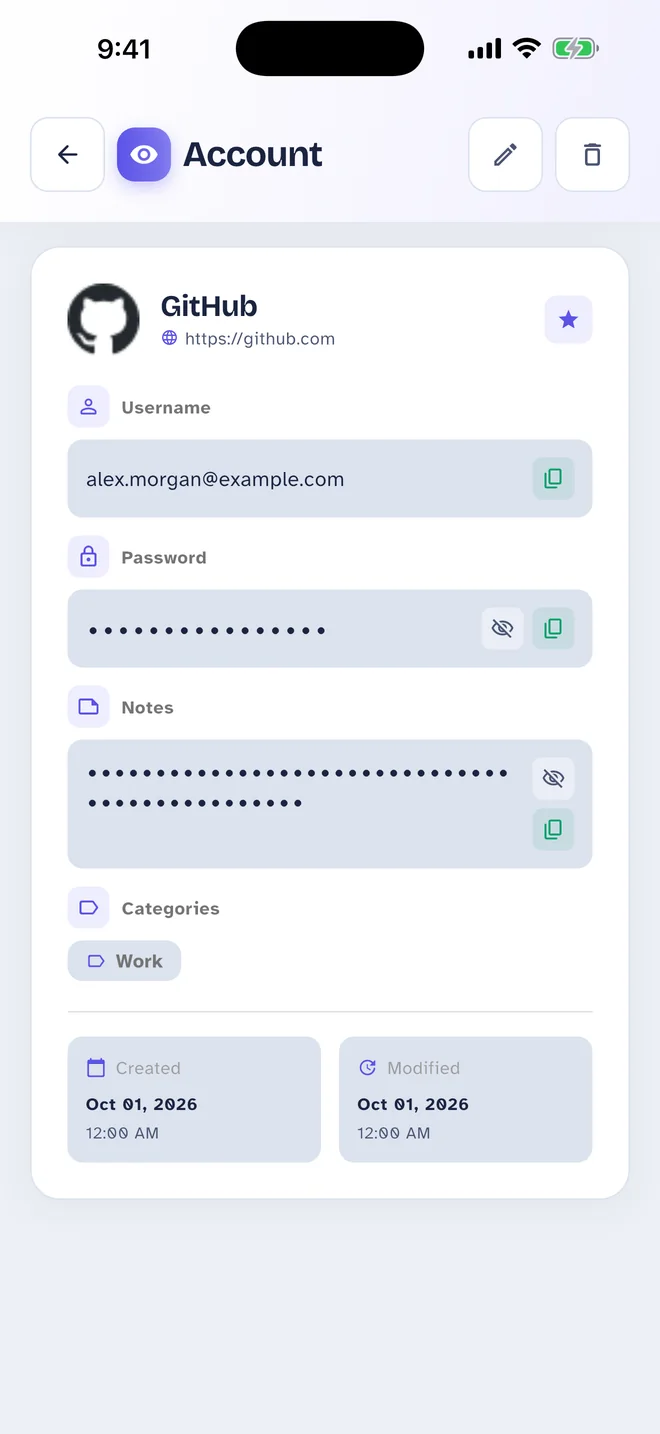
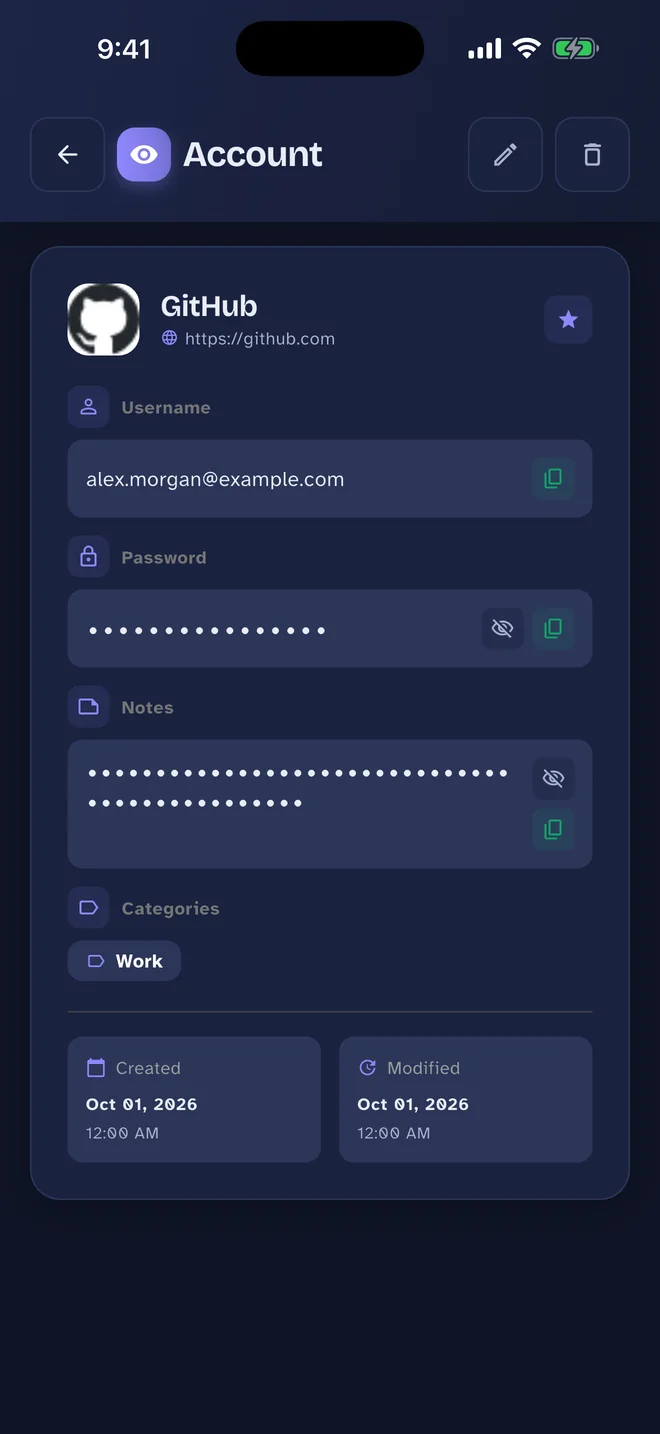
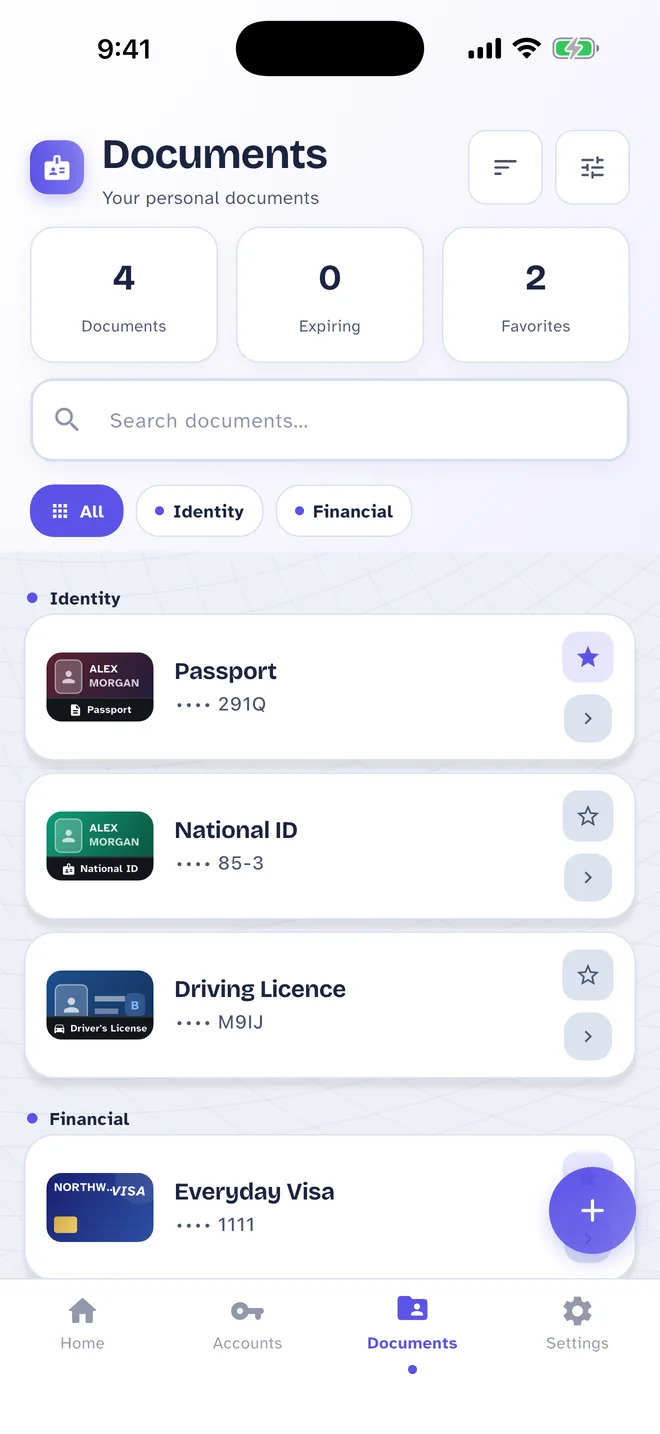
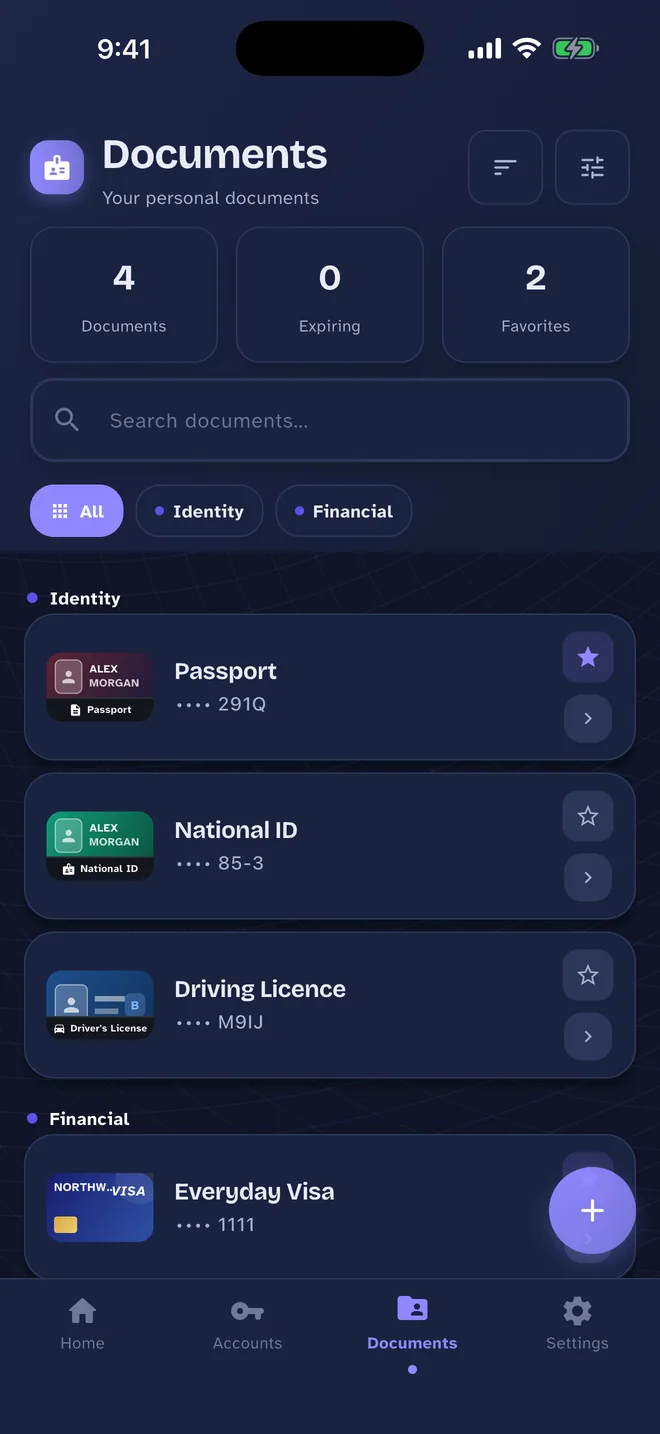
Pass Card is built so we never receive your passwords, documents or anything else you store. The details fit in a privacy policy short enough to read over coffee.
Read the privacy policyNo account, no email address, no servers of ours holding a copy of your vault.
We do not use analytics, crash reporting or tracking, and we do not sell or share your data.
Face ID, Touch ID and fingerprints are handled by your device. The app never sees or stores them.
Your vault never needs it. The app only connects for:

Pass Card will be free to download, with ads from Google AdMob that you can remove with a one-time purchase.